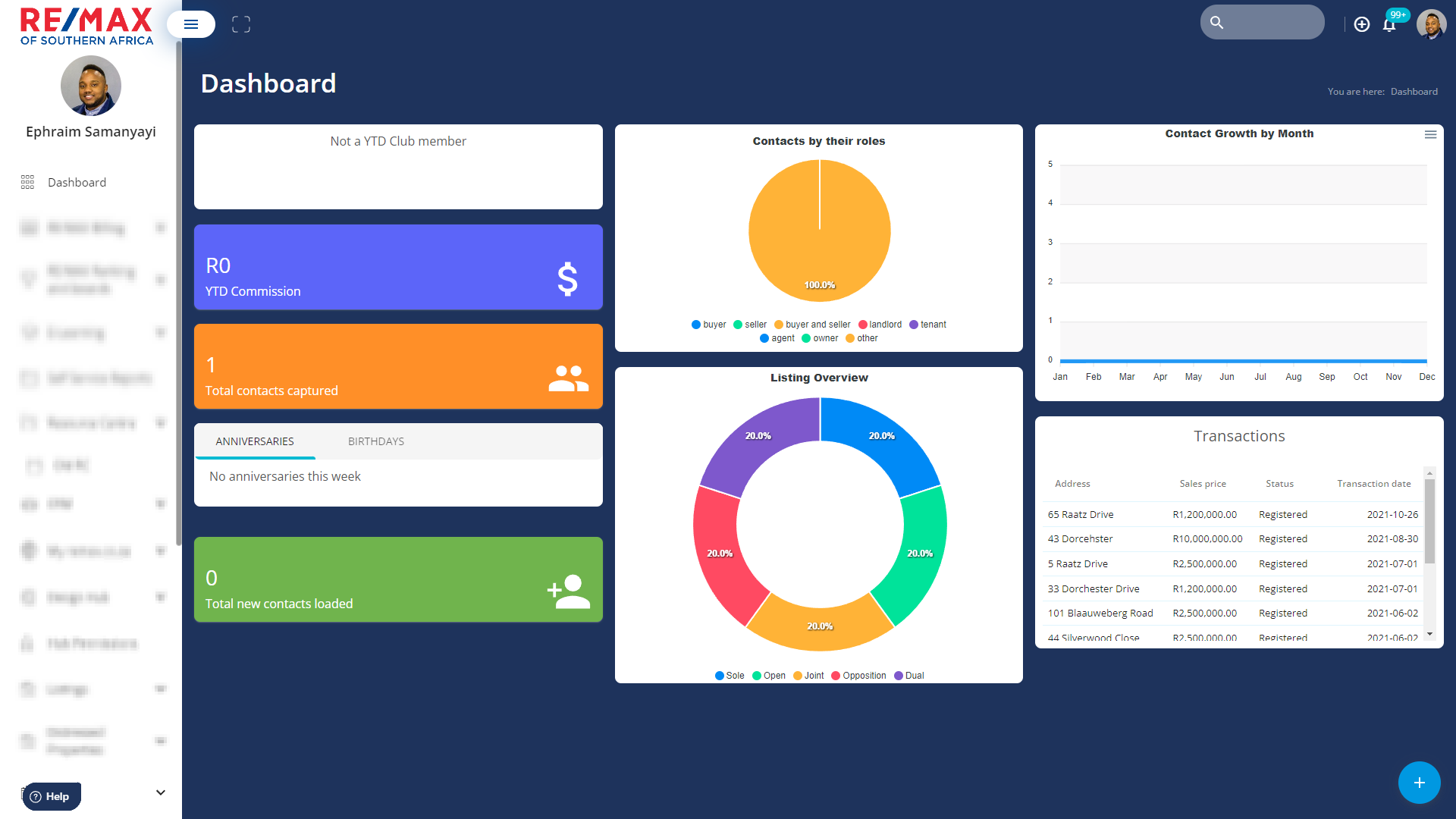
The RE/MAX Hub Dashboard is a centralized point to view valuable information regarding your CRM, Contacts, Mandates, and YTD Commission.
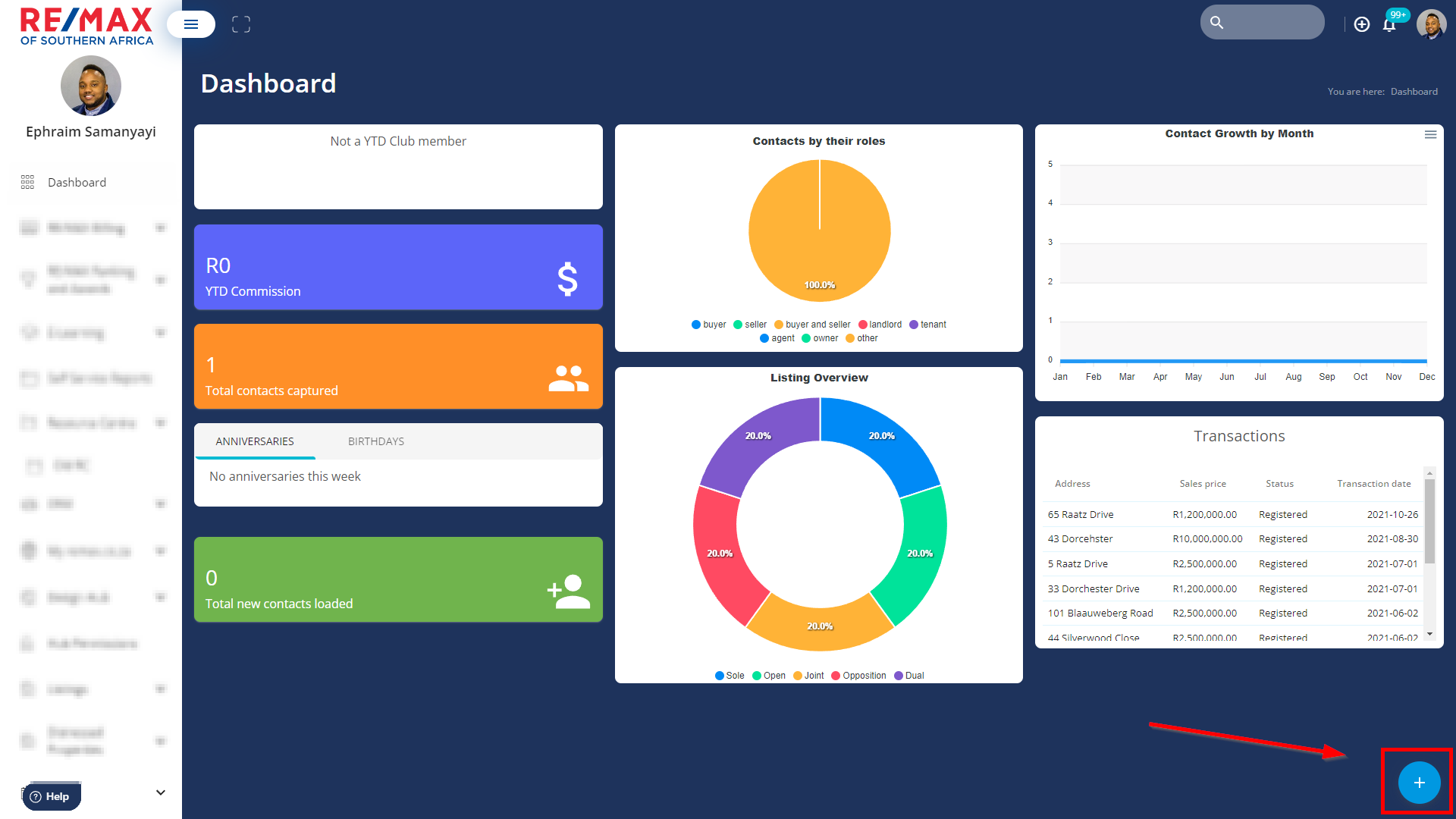
To add a Dashboard item click on the blue circle located bottom right of the screen
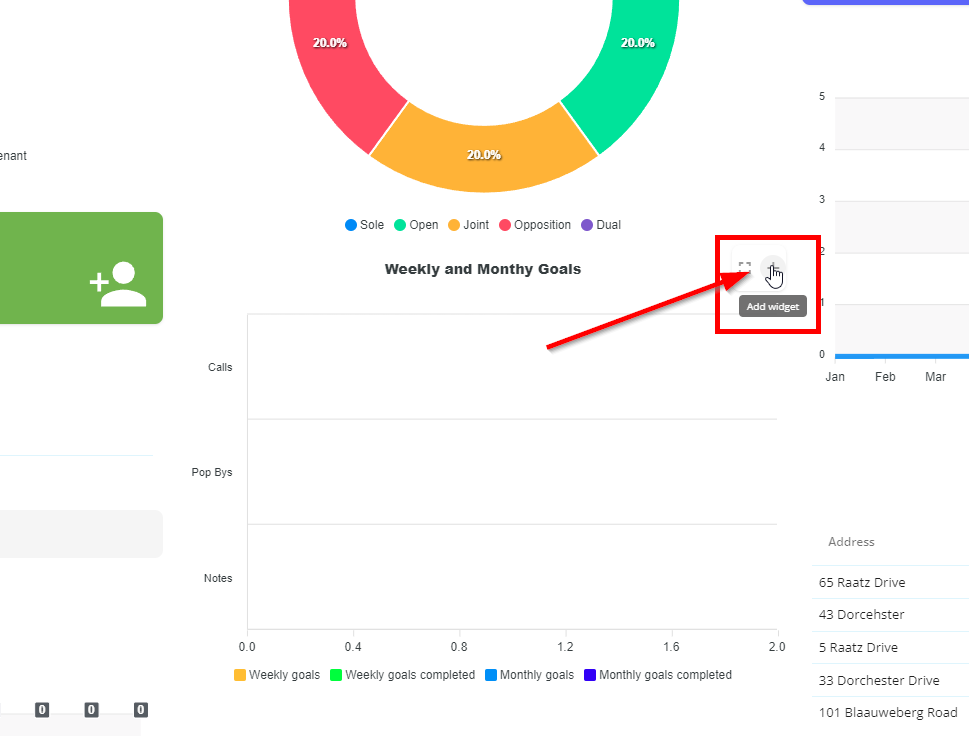
Select the item you would like to add to your dashboard and click on X when done
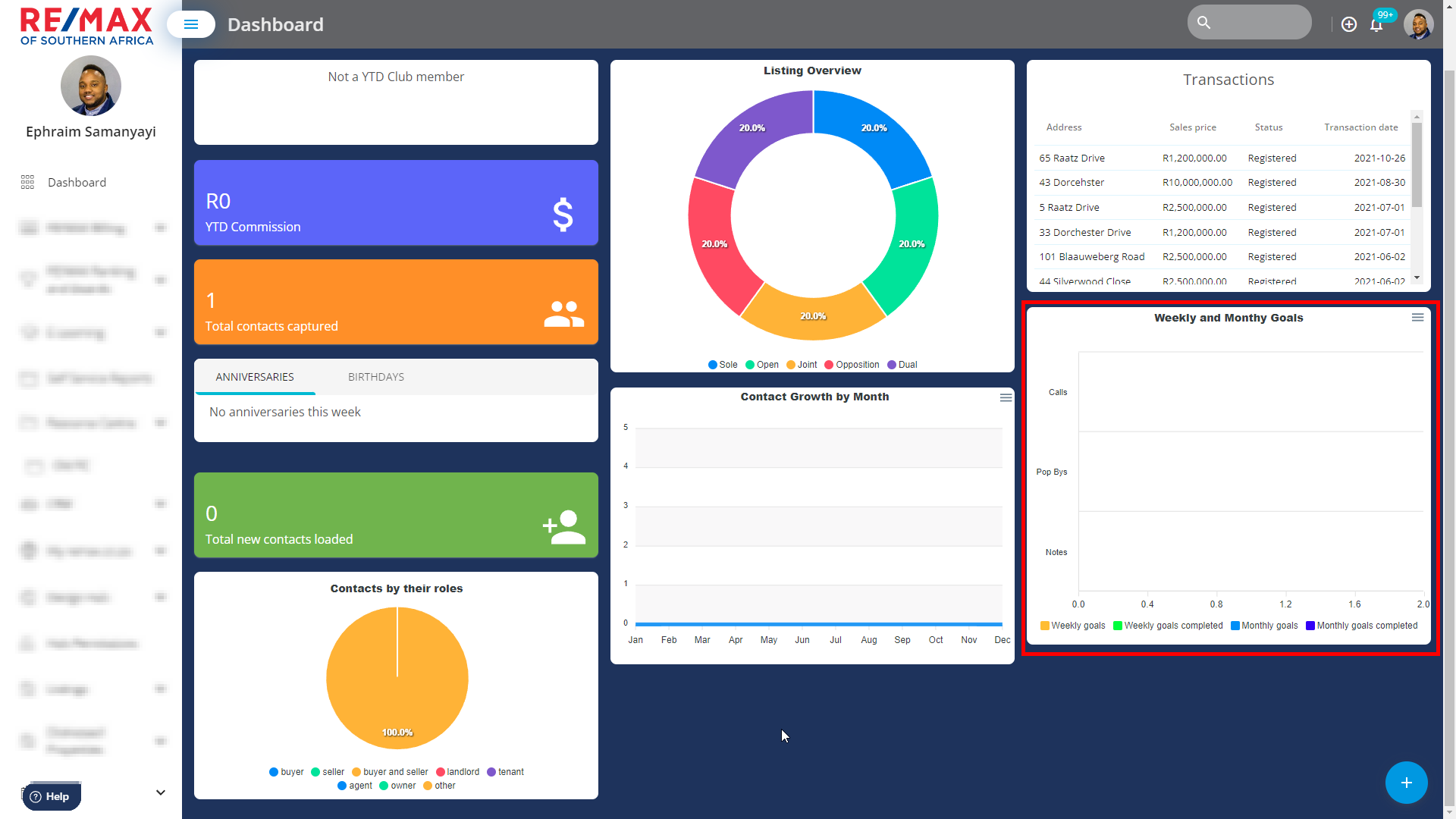
The item will then appear on your dashboard
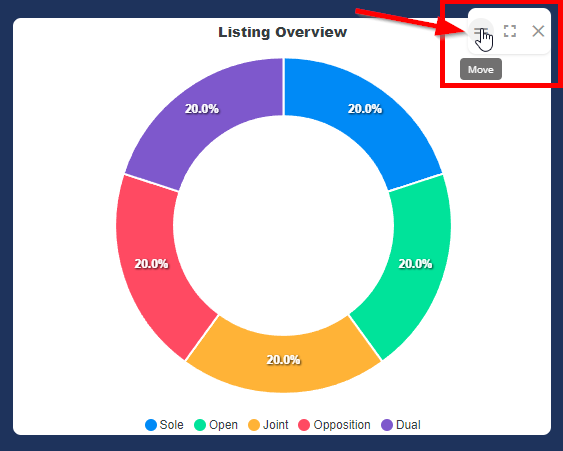
All items on the Dashboard can be moved around by clicking on the move icon and dragging and dropping it above the position you would like the information to display
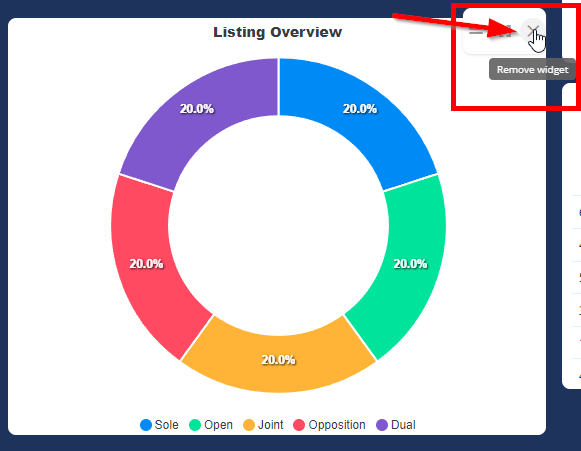
Items can be removed from the Dashboard by clicking on the remove widget button above the dashboard item
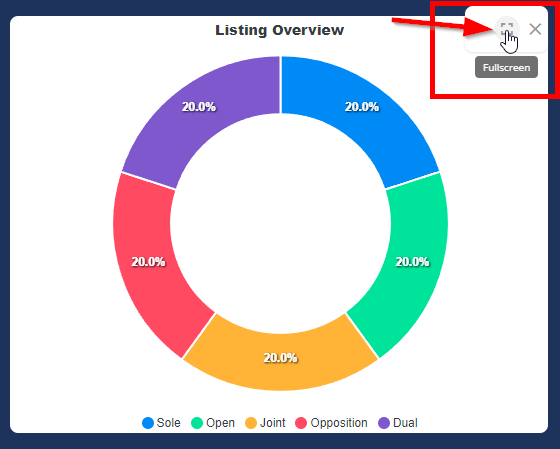
Information from the dashboard can be viewed in Fullscreen by selecting the Fullscreen widget or navigating to contacts depending on the Dashboard item
Was this article helpful?
That’s Great!
Thank you for your feedback
Sorry! We couldn't be helpful
Thank you for your feedback
Feedback sent
We appreciate your effort and will try to fix the article